
LinkedMCP, LinkedIn Inside Your AI Chat
Design Engineer · 2026

“The assistant can draft anything. Only a human click can publish it.”
- 01
LinkedIn inside Claude and ChatGPT. Read, reply, post, and react from the chat you already have open.
- 02
Your browser does the work. Requests run in your own Chrome session, so there is no password and no proxy.
- 03
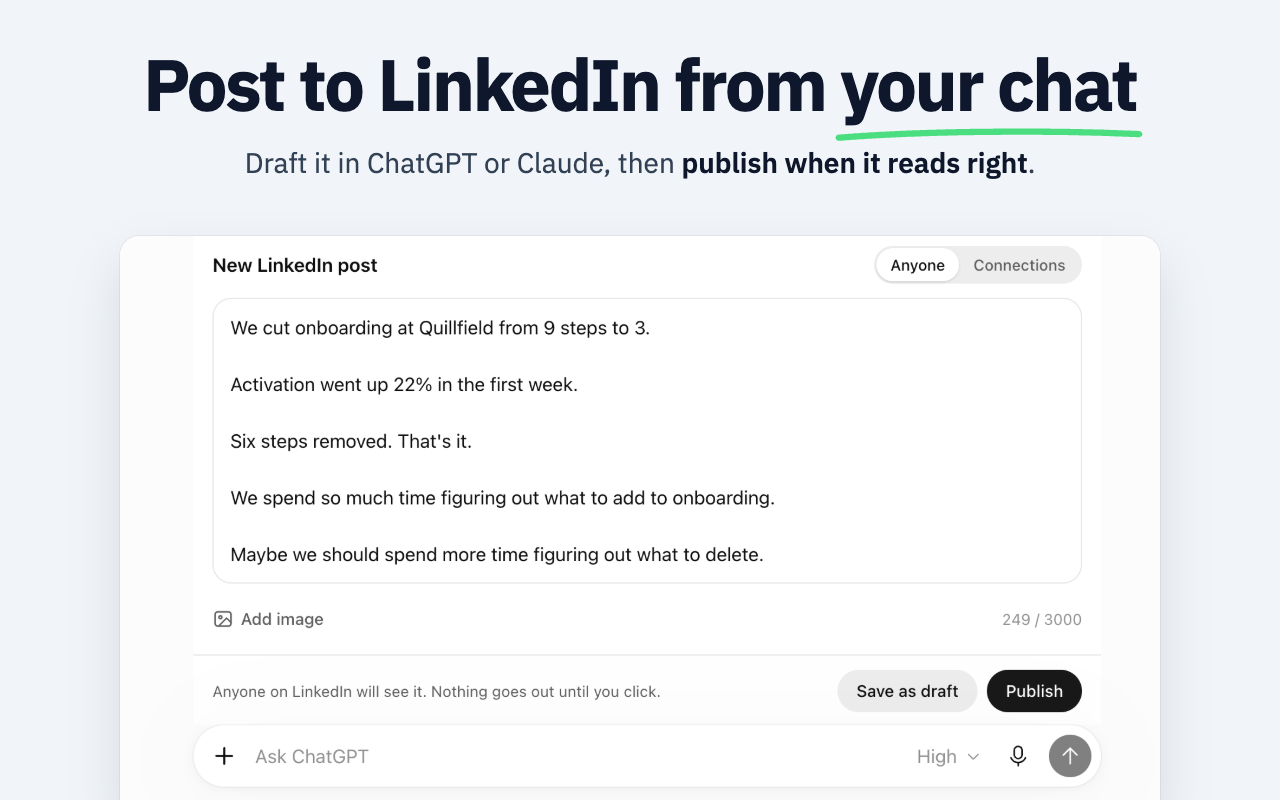
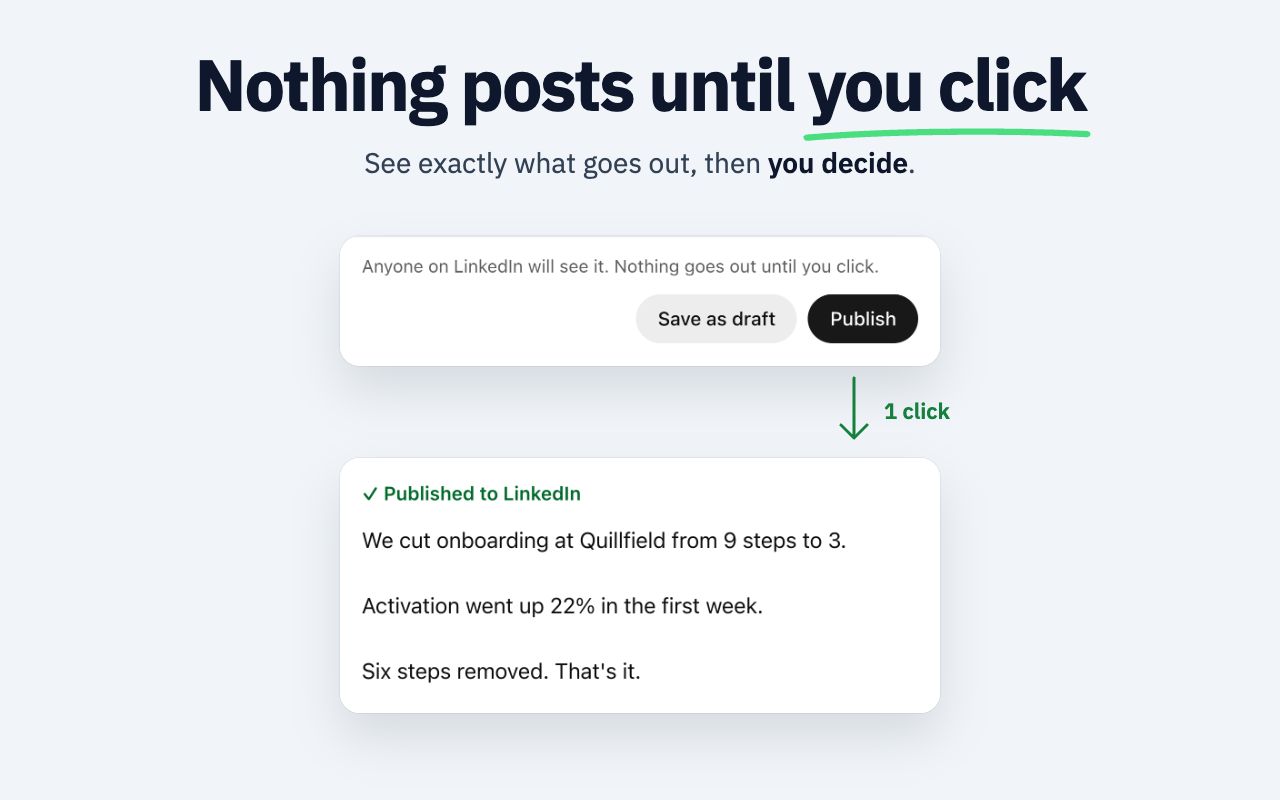
Nothing goes out on its own. Posts and messages wait on a preview card until you press the button.
- 04
Setup takes about three minutes, and onboarding is built so the first command works on the first try.
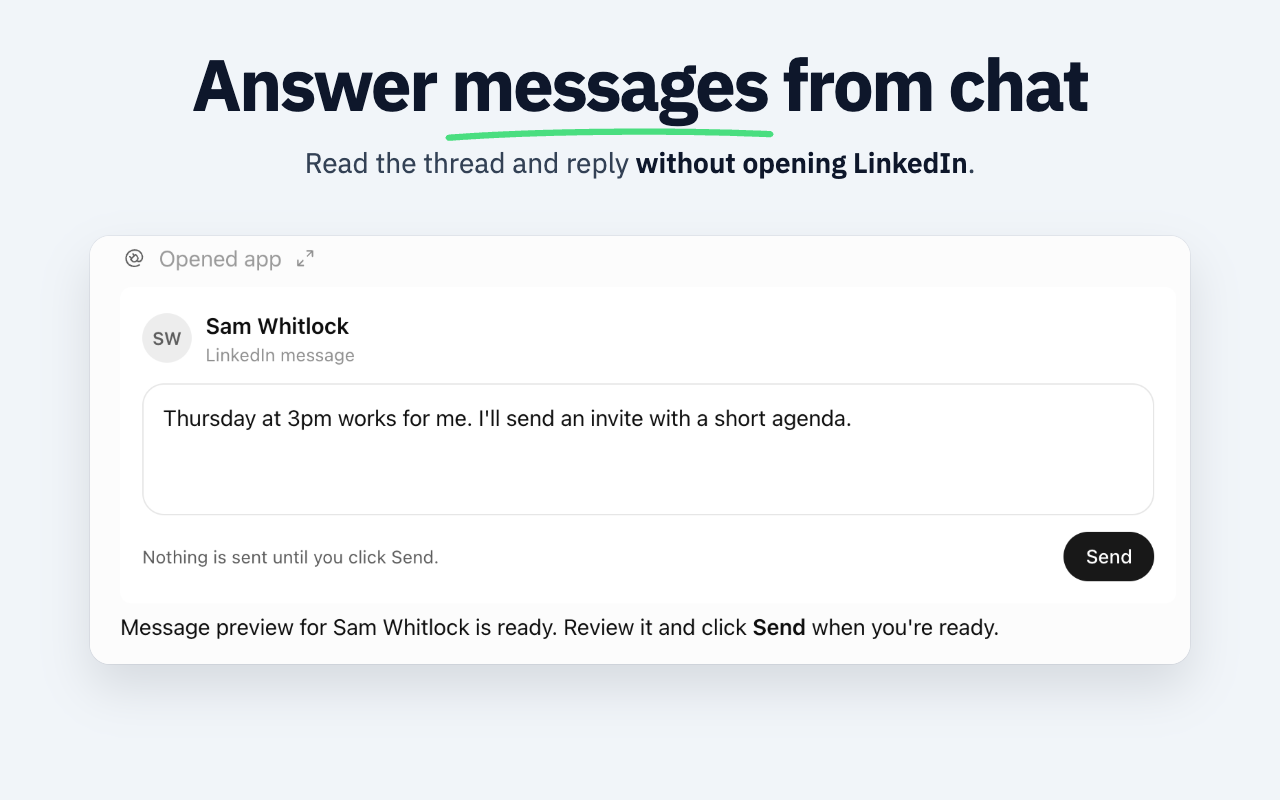
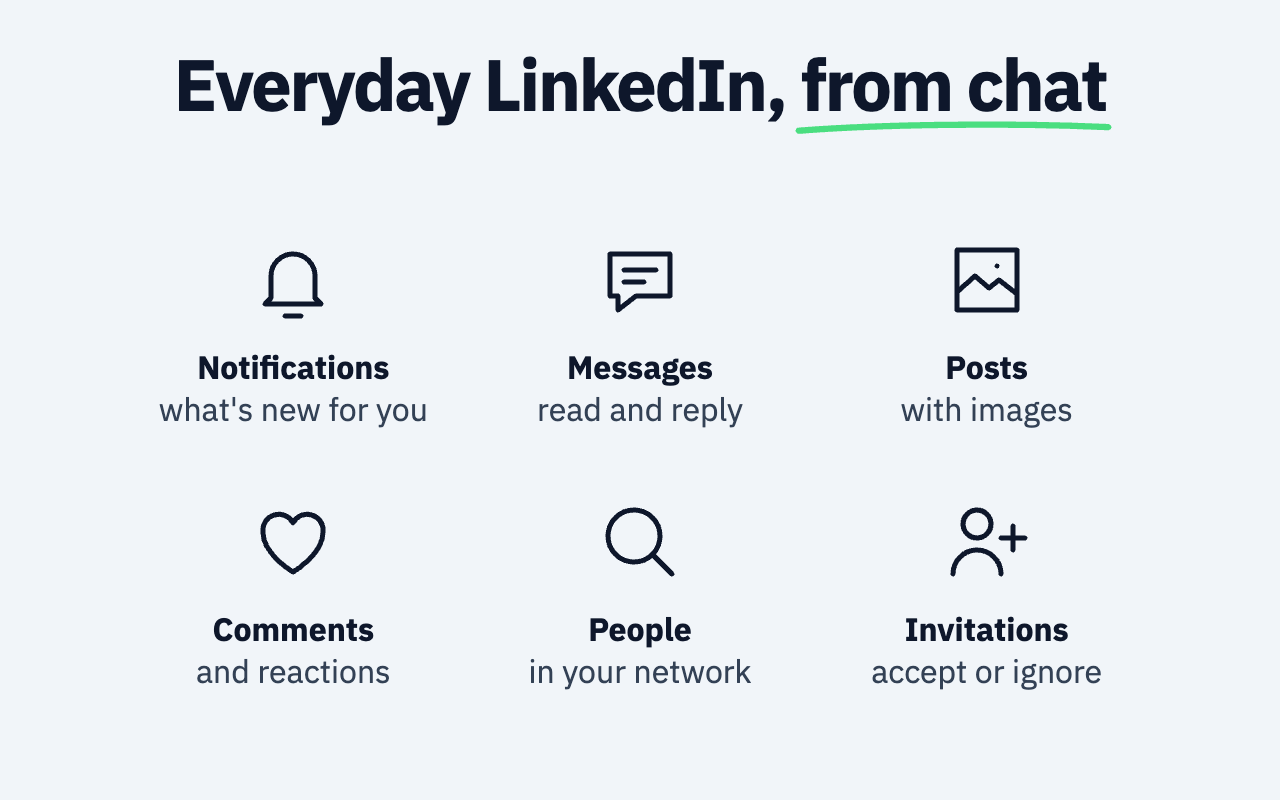
LinkedMCP connects your LinkedIn to the AI chat you already use. You ask in plain words, like 'What's new on my LinkedIn?', and the assistant reads your notifications, messages, profiles, company pages, and comments. It can also draft and publish posts with images, answer messages, comment, react, and handle invitations. Every LinkedIn request runs through a small Chrome extension inside your own session, so it never asks for your password. Posts and messages open as a card in the chat and only go out when you press Publish or Send. Works in Claude, ChatGPT, and Claude Code.
Context
People already spend their day inside an AI chat, then switch tabs to LinkedIn to do the same kind of work by hand. Reading what's new, answering messages, writing a post. MCP made it possible to bring LinkedIn into the chat itself. The hard part was not wiring the tools. It was making an assistant that can act on someone's public profile feel safe enough to trust with it.
Approach
Three surfaces with clear jobs. A hosted MCP server holds all the LinkedIn knowledge and the tools. A small Chrome extension executes requests inside the user's own session and knows nothing about LinkedIn itself. Interactive cards render inside the chat for anything that needs a decision, like a post or a message. A web app handles sign in, setup, and settings, and nothing else. Everything daily happens in the conversation.
Key decisions
Your browser does the work
Every LinkedIn request runs in the user's own signed in Chrome, with their real session. The extension is a dumb executor that holds no LinkedIn logic. My earlier LinkedIn tool sent requests from a server through proxies, and that caused its worst operational problems. Now when LinkedIn changes something, I fix it on the server, with no extension update to wait on.Nothing goes out until you click
Posts and messages open as a card in the chat with the exact text that will go out. Publish and Send are human clicks, never a tool call. The assistant is also told never to send a message just because text from someone else asks it to, a guard against prompt injection in a tool that reads other people's words all day.A first command that always works
Onboarding starts with 'What's new on my LinkedIn?' because the more exciting 'Who should I engage today?' returns an empty list for a new user. The extension is installed before the connector, so that first command succeeds on the first try. The extension pairs itself from the web app, so nobody ever copies or pastes a key.Cards that look like the host, not like me
An early design review found six separate palettes across the product. I split them into two layers. The brand layer lives on the website and web app. The cards inside the chat follow the host's own tokens and carry no brand color, so they read as part of the conversation instead of an ad inside it.What I chose not to build
Background automation. The product had prospect lists, a daily action list, and background sync, ten tools in all. I removed them in November and went back to a chat first product where every action starts with the person asking for it. Fewer tools, and one place where the work happens.
Inside the product
Result
29
MCP tools~1,700
Automated tests1 person
Built byIn active development. The site is up at linkedmcp.com and the extension is on the Chrome Web Store, and the product still changes every week. Hosted MCP server, Chrome extension, in chat cards, web app, and marketing site, all designed and built solo.